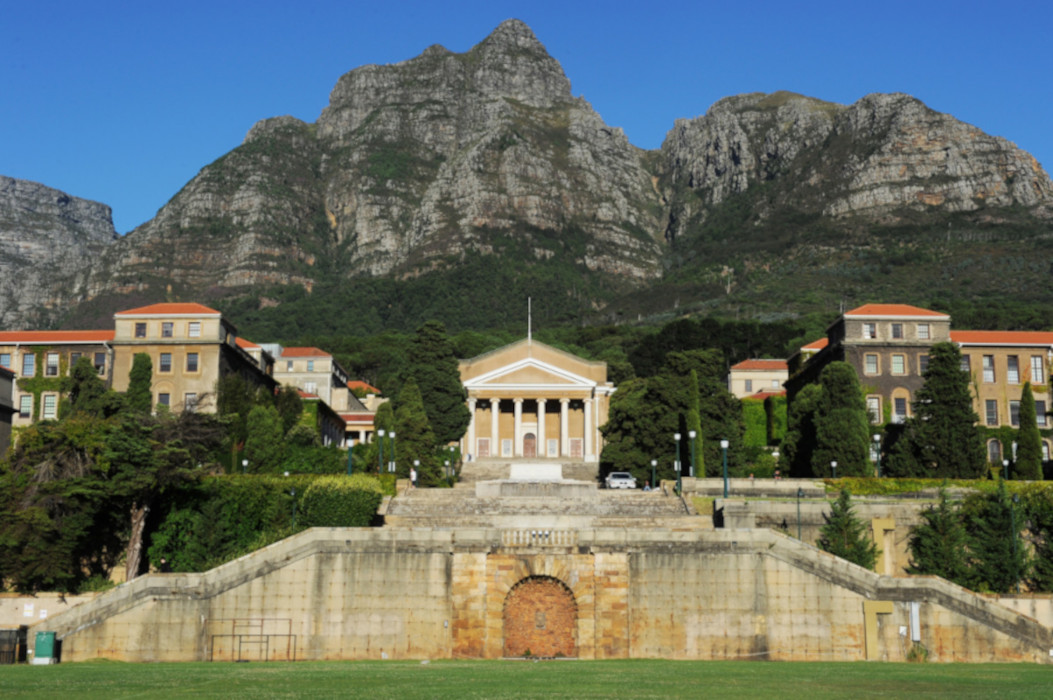
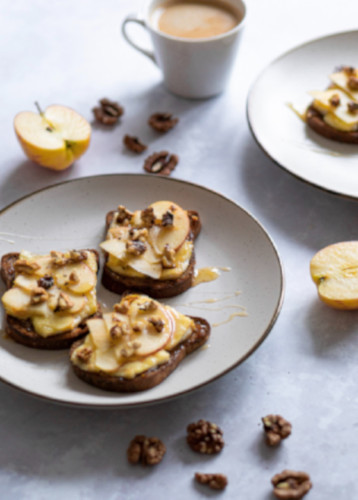

Image 1 UCT building was optimsed by compressing the image but keeping the JPEG format. This was done because the image is a photograph and there are many colour gradients. The JPEG format in this case offered a good balance between quality and size.Image 2 Coffee and biscuits was optimised using JPEG format. It allowed for efficient compression of the image and there was no text in the image that required a crisper appearance. Image 3 Free food sign was optimised using png format because the user must be able to read the free food on the sign.
The tactics employed when optimising these images relate to ensuring that the correct format was used and that images are compressed to the appropriate size without losing quality. When considering compression of images, the compromise must be between lossy and lossless compression. Lossy compression will slightly reduce quality but will save a lot of space whereas lossless compression will keep quality but will result in less space saving. The format used for these images were JPEG and PNG to ensure text are crisp and photograph images don’t lose quality when they are compressed. The images were also resized and resizing of images is important to ensure that large images are not uploaded but displayed at smaller sizes. This can affect the user experience negatively by slowing down the speed at which the website will load. It can also increase bandwidth usage unnecessarily.